Are you a gamer looking to upgrade your setup? Finding the perfect gaming mouse can be a game-changer. In this blog post, we’ll explore some of the top gaming mice on the market, comparing features, performance, and value for money.
The Quest for the Perfect Gaming Mouse
For years, the Logitech G502 has been the go-to gaming mouse for many. But with technology advancing rapidly, it’s time to explore new options. We’ve tested four alternatives to find out if any can dethrone this classic.
Our Selection Criteria
When choosing mice for this review, we had two main requirements:
- More than just two side buttons (essential for battle royale games)
- Wireless capability (because who wants to deal with cords in 2024?)
The Contenders
- Logitech G502 X
- Glorious Model I
- SteelSeries Aerox 5
- Razer Basilisk V3 Pro
Let’s dive into each mouse and see how they stack up!
1. Logitech G502 X: The Refined Classic
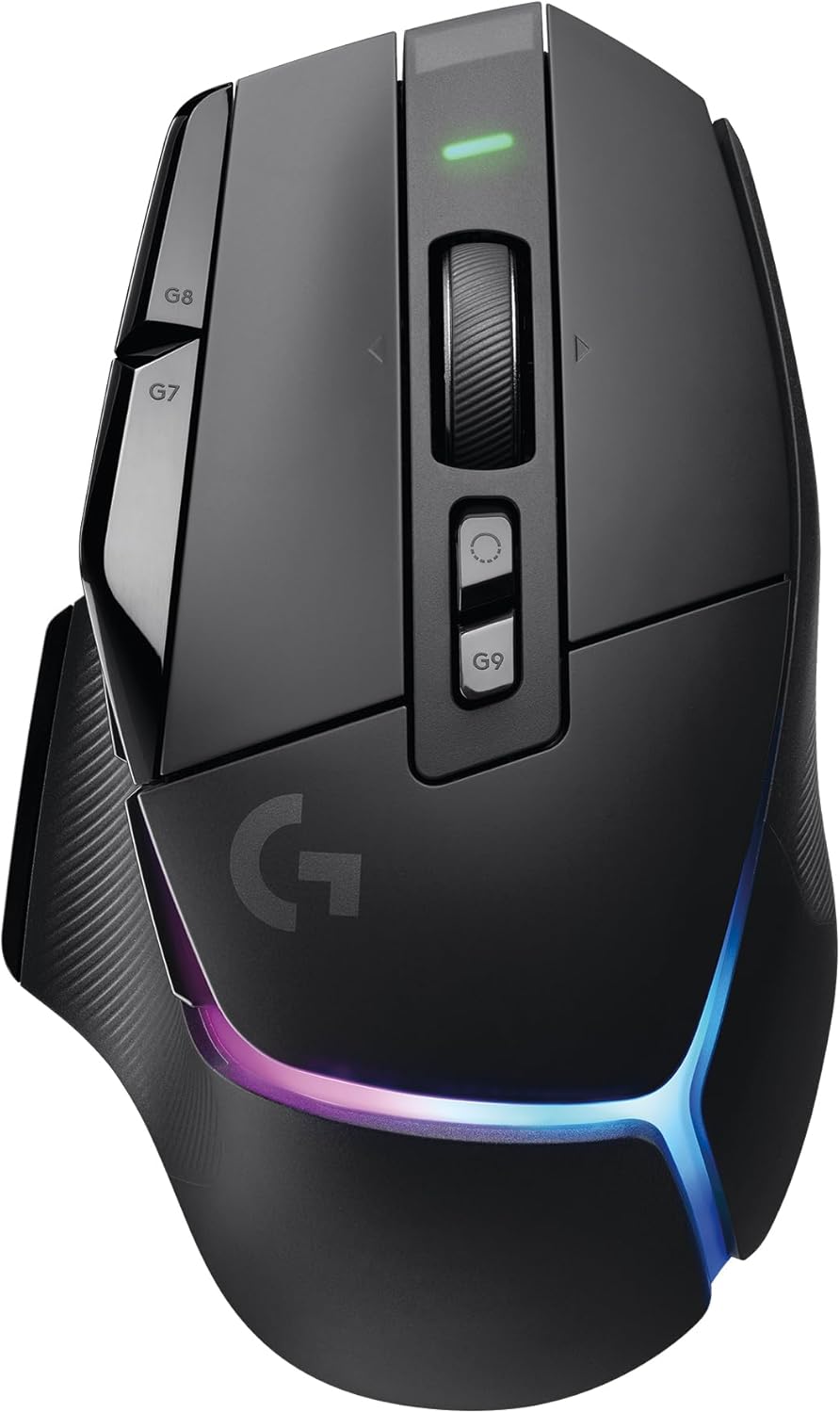
| Feature | Details |
|---|---|
| Pros | 11g lighter than the original (102g) |
| Premium feel with smooth matte shell | |
| Improved button layout and customization | |
| Infinity scroll wheel (now rattle-free!) | |
| Wireless charging dock available (sold separately) | |
| Cons | G Hub software can be frustrating to use |
| Still on the heavier side compared to ultralight mice | |
| Price | $140 (RGB version), $125 (non-RGB version) |
Read our detailed review of the Logitech G502 X
2. Glorious Model I: The Ultralight Contender
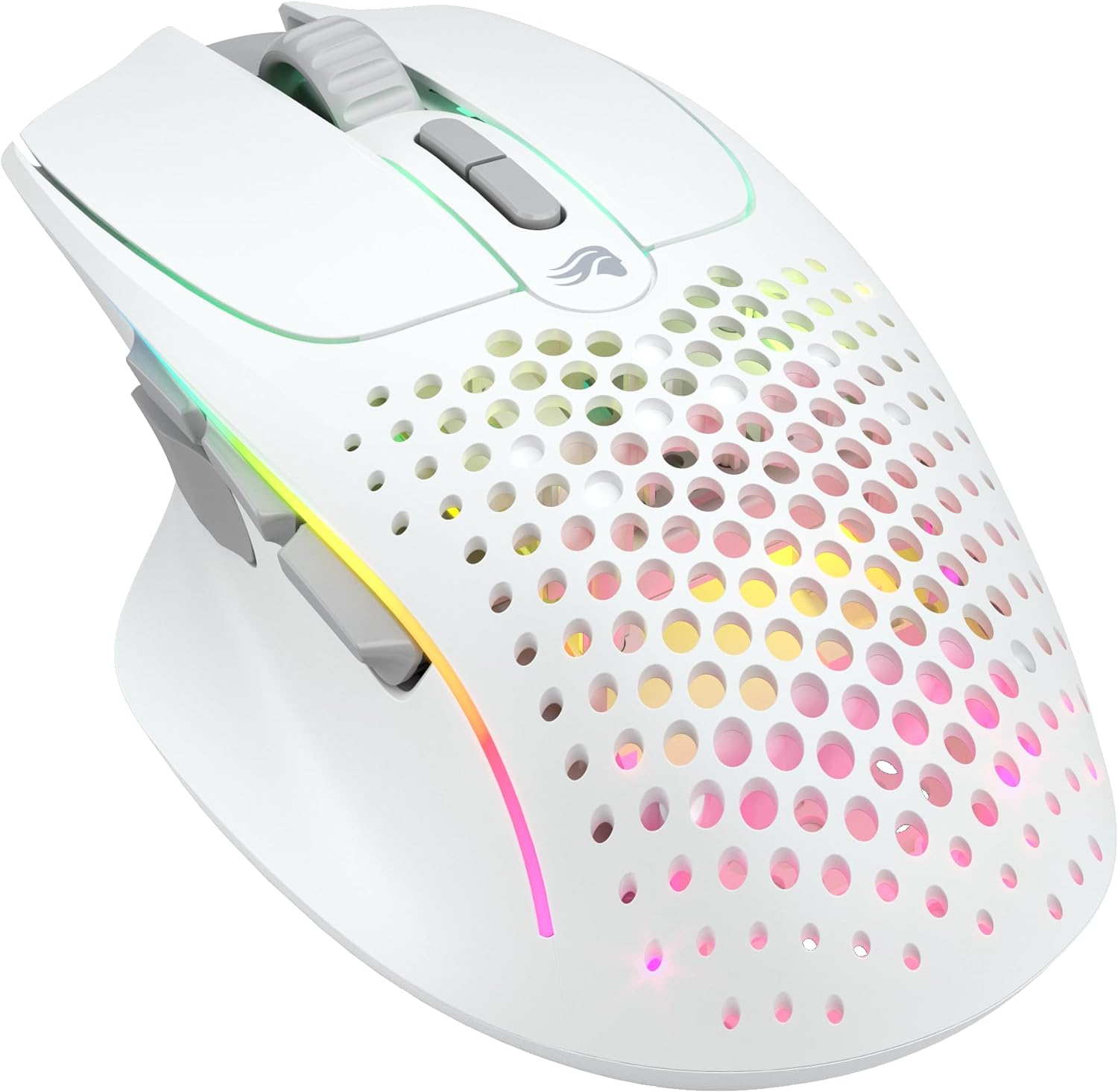
| Feature | Details |
|---|---|
| Pros | - Incredibly light at 74g |
| - Customizable button caps for different grip styles | |
| - Three inline side buttons | |
| - Affordable price point | |
| Cons | - No wireless charging dock |
| - Rear thumb button can be awkward to reach | |
| Price | $100 |
Check out our in-depth review of the Glorious Model I
3. SteelSeries Aerox 5: Innovation with Room for Improvement
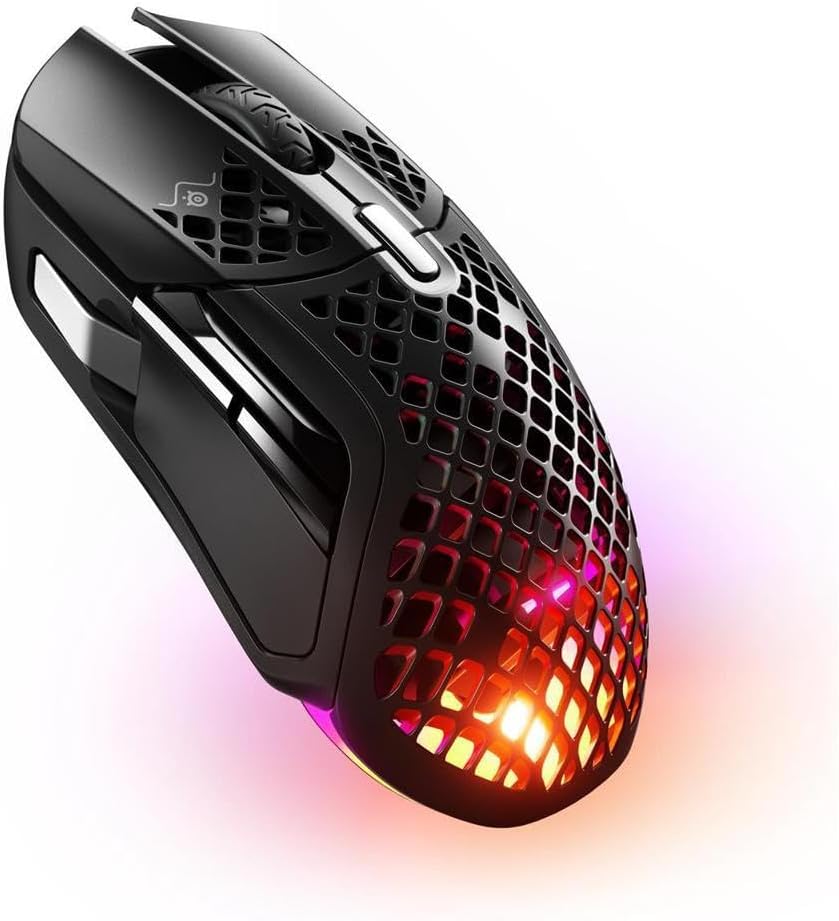
| Feature | Details |
|---|---|
| Pros | - Ultra-lightweight at 74g |
| - Innovative rocker switch for extra inputs | |
| - Satisfying click feel | |
| Cons | - Rocker switch placement and angle need refinement |
| - Front thumb button placement may not suit all grips | |
| Price | $110 (on sale, normally $140) |
Dive deeper into our SteelSeries Aerox 5 review
4. Razer Basilisk V3 Pro: Feature-Rich but Pricey

| Feature | Details |
|---|---|
| Pros | - Similar ergonomics to the G502 |
| - Multi-device connectivity (one dongle for mouse and keyboard) | |
| - Bluetooth and 2.4GHz wireless options | |
| - Excellent RGB lighting | |
| Cons | - Heaviest of the bunch at 115g |
| - Most expensive option, especially with the charging dock | |
| Price | $150 (mouse only), $220 (with charging dock) |
Get the full scoop on the Razer Basilisk V3 Pro
The Verdict
After extensive testing, we found that there’s no perfect mouse for everyone. Each option has its strengths and weaknesses. However, if we had to choose one, we’d go with the Logitech G502 X.
Despite not being the lightest, the G502 X offers the best balance of ergonomics, button layout, and features. The wireless charging dock (sold separately) is a game-changer for convenience.
Conclusion
Choosing the right gaming mouse comes down to personal preference. Consider factors like weight, button layout, and additional features when making your decision. Whether you prioritize ultra-light design or customizable buttons, there’s a mouse out there for you.